Voice Send: say “send” and it presses Enter
Finish your message with the word “send” or “submit”, and soink types your text, drops the command word, and presses Return for you. Your message is gone before your hands ever leave your lap.
Turn it on
Open Settings in the soink app and switch on Voice Send. It’s also in the soink menu bar. It stays on until you turn it off.
Say the word at the end
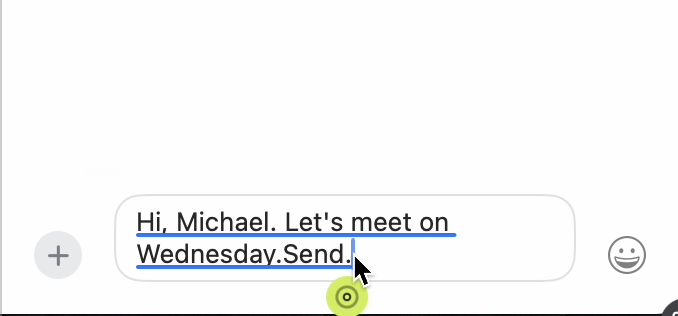
The command works at the very end of what you say. Saying “send” in the middle of a sentence, or “send it to John”, won’t trigger it.
Not sending? Voice Send isn’t working walks through the fixes.