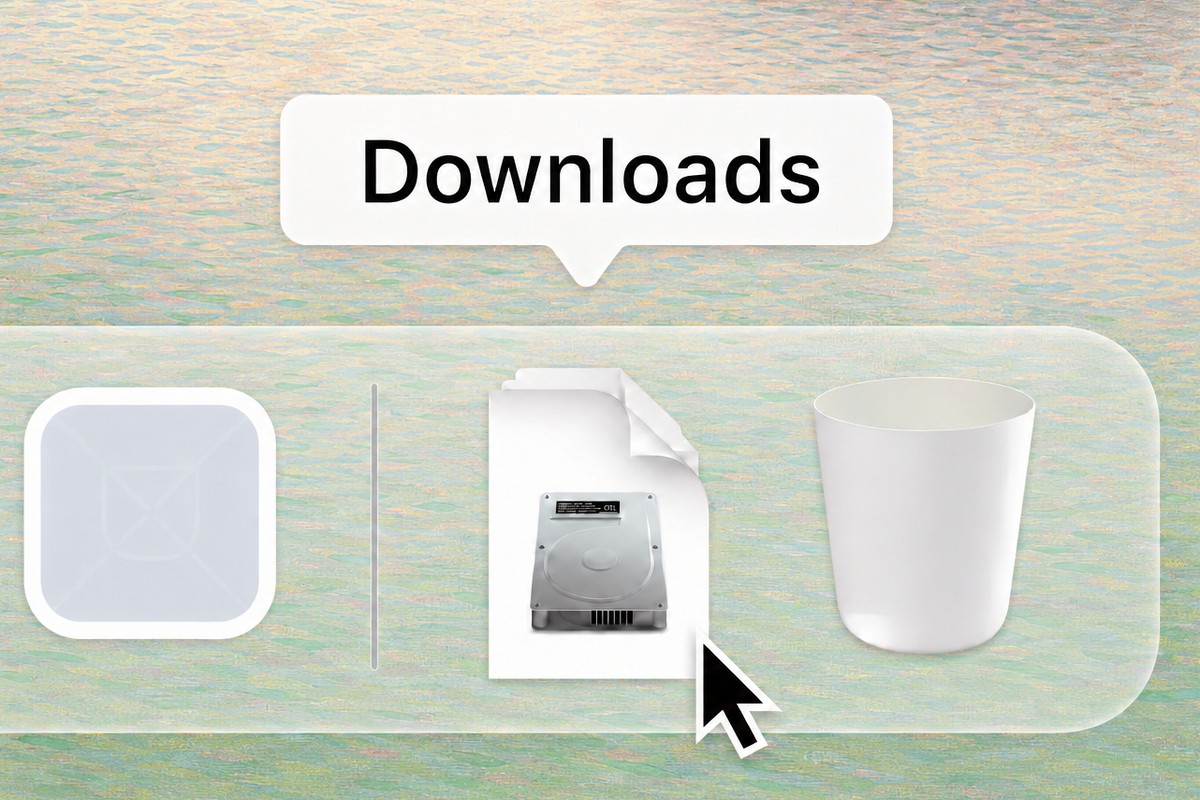
Open soink.dmg from your
Downloads folder
Requires macOS 13.5+, compatible with Apple silicon & IntelDownload didn't start? Click here
Open soink.dmg from your
Downloads folder
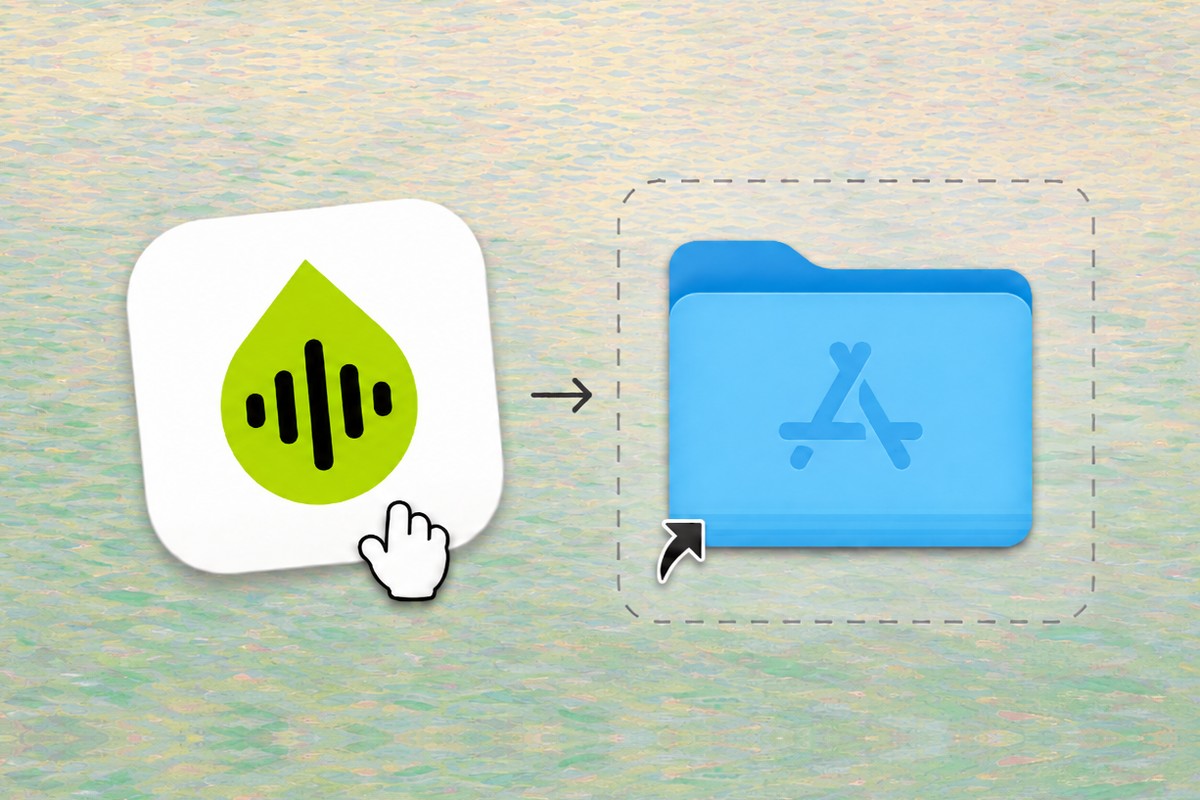
Drag the soink icon into your
Applications folder
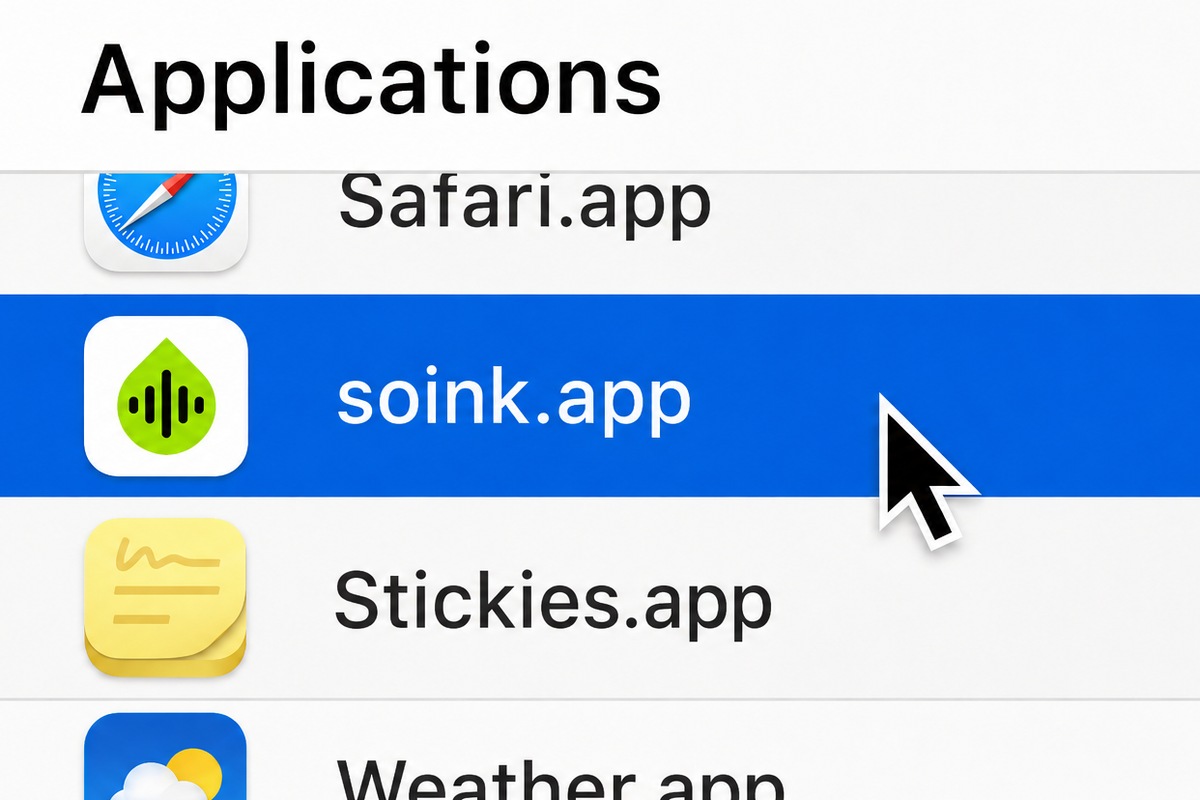
Open soink from your
Applications folder