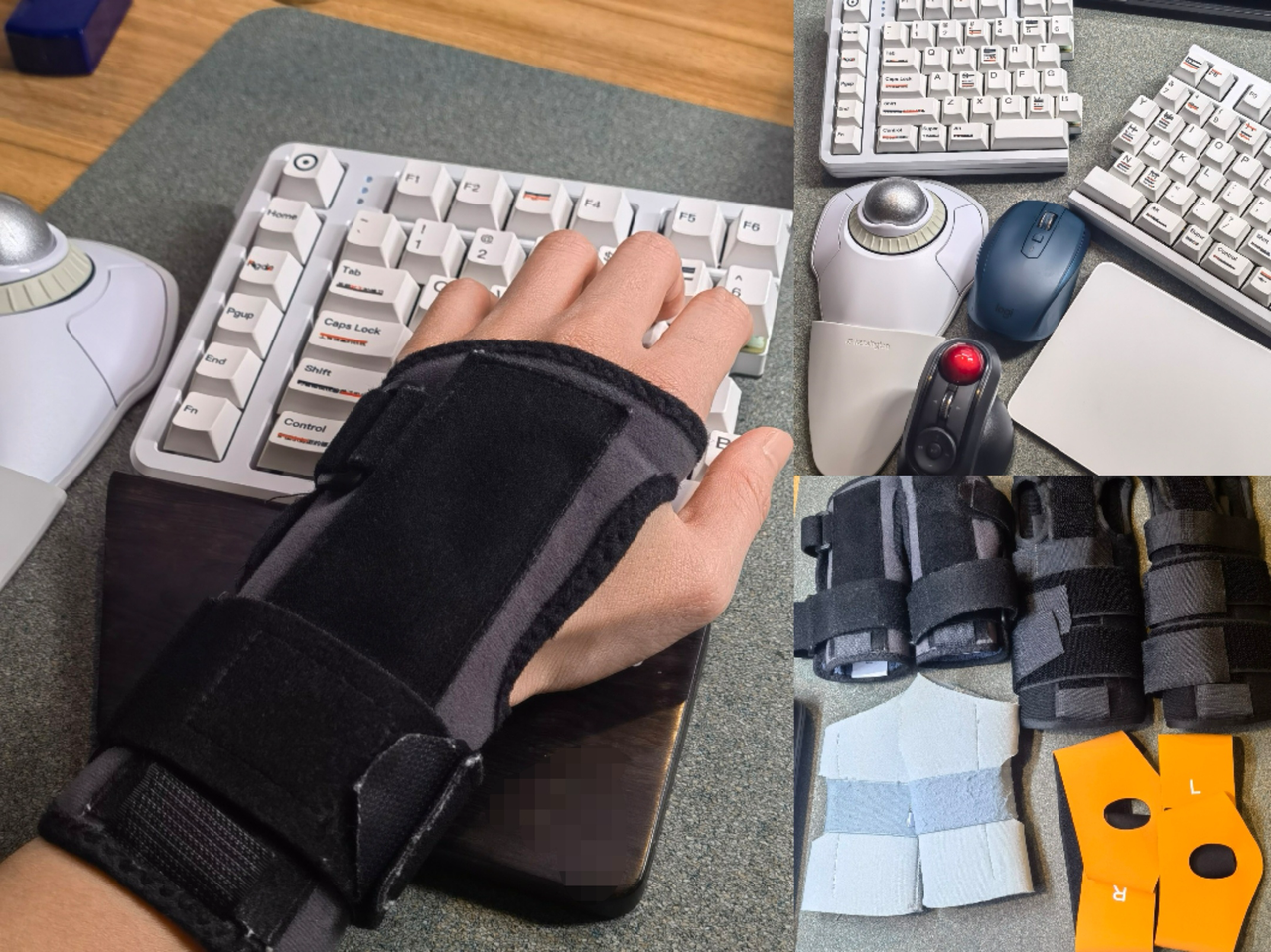
It started with my wrist.
After years of heavy keyboard use at work, writing long documents, slides, code, and endless messages, I developed TFCC, a cartilage injury in my wrist. Typing became painful, but the work didn't go away. I needed a way to keep working, so I switched to voice and tried every dictation app I could find.
Every app made me choose: smart, or live.
The AI dictation apps impressed me. They clean up your speech beautifully. But they all work in batch: you talk into silence, wait, and a finished block of text pastes in at the end. While I was speaking, the screen stayed blank. I think with my eyes on the words, and without them I kept losing my train of thought mid-paragraph. And when the text finally landed, it still needed a round of fixes afterwards.
Apple's built-in Dictation has the opposite problem. It streams words live, but it misrecognizes too much and does no cleanup, so there was even more to fix.
Either way, fixing text afterwards put my hands right back on the keyboard. The one place they couldn't be.
Live but not smart. Smart but not live. I couldn't find both in one app. So I decided to build it.
It was harder than it sounds.
Batch apps work in batch for a reason: polishing speech is much easier after you've stopped talking. Getting AI to polish a sentence while it's still landing on screen, without pulling words out from under your eyes, took a lot of trial and error to get right.
I also didn't want soink to be another window you dictate into and paste from. I wanted your words at your cursor, in whatever app you're already in. So I built soink as a keyboard: an input method that lives where you write. That meant teaching live streaming to behave inside apps that were never designed for it, one stubborn edge case at a time.
Through all of it, I've been soink's first user. Every rough edge showed up in my own work first.
What soink does
soink streams every word onto your screen the moment you say it, right at your cursor, in any app. While you talk, AI polishes your speech into clean writing: fillers dropped, sentences connected, your meaning untouched. You can fix a word by voice and send by voice, so there is no pile of edits waiting for you at the end. From start to send, your hands can stay in your lap.
And because real work isn't voice-only, soink doesn't ask you to switch modes. Sometimes you're in a meeting, on a train, or editing one precise sentence. Voice and typing take turns in the same text field, mid-sentence if you like. No separate window, no handoffs. Voice isn't the destination. Seamless input is.
Why I keep building it
I started soink out of necessity. I keep building it because the problem is bigger than my wrist.
Ideas move faster than hands. For most people that gap is friction. For people with RSI, chronic pain, or limited mobility, it decides whether the work gets done at all.
What I'm optimizing for
The apps I tried each gave me some of these. The point of soink is all four at once:
- ✓Live. Words on screen as you say them, not a block pasted in after you stop.
- ✓Smart. Speech polished into clean writing as it lands, your meaning untouched.
- ✓Hands-free. Write, fix, and send, start to finish, with your hands in your lap.
- ✓Everywhere. If it has a text field, soink types there.
I'm not trying to replace typing with voice. I'm building the input layer I needed: one where ideas arrive as naturally as speech, and the tool disappears into the work.
My wrist hasn't fully healed. But with voice doing most of the typing now, I work the way I used to.